Creating an account
Navigate to the Terminus GPS Notifications register page.
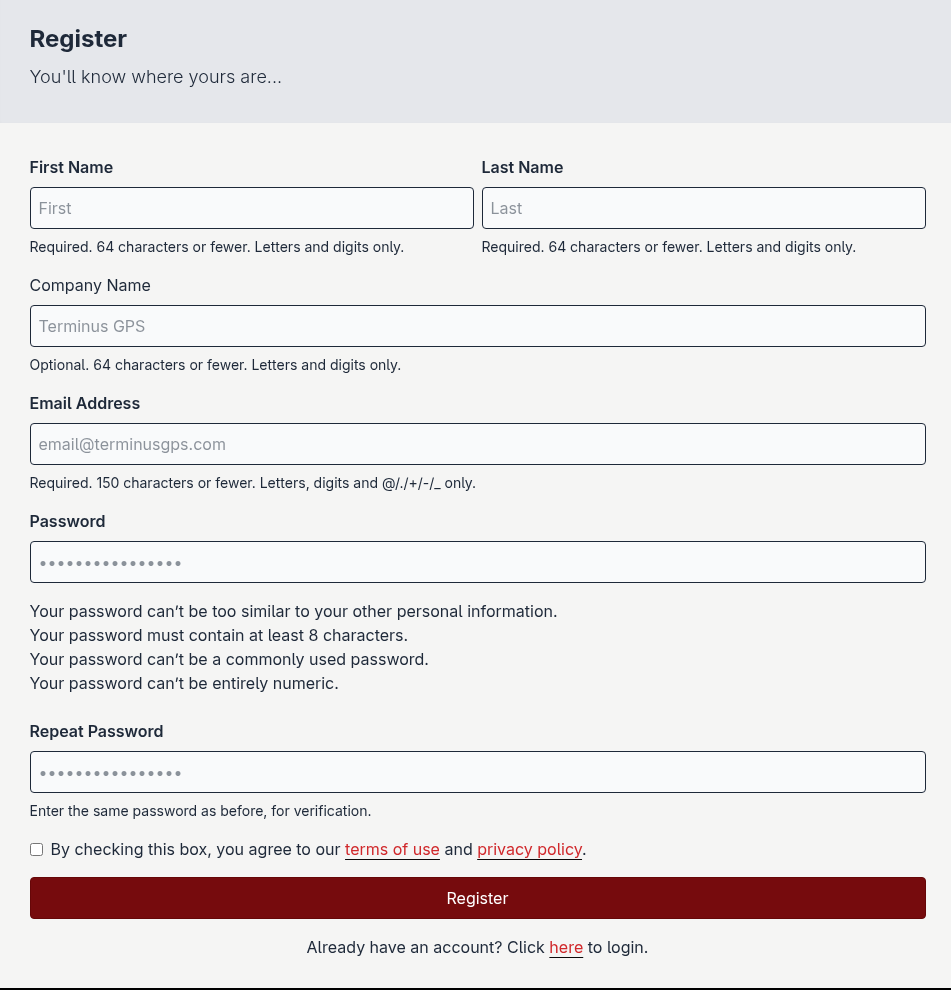
Fill out the registration form.
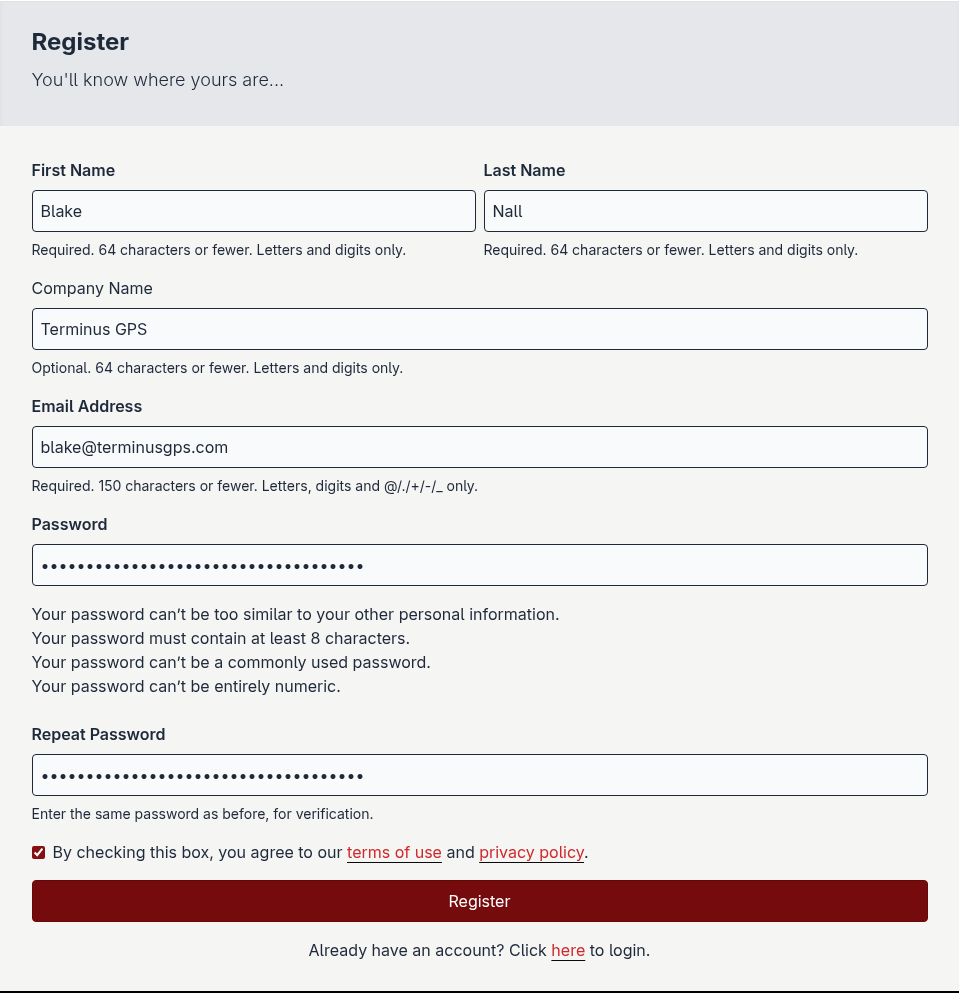
Click the Register button at the bottom of the form.

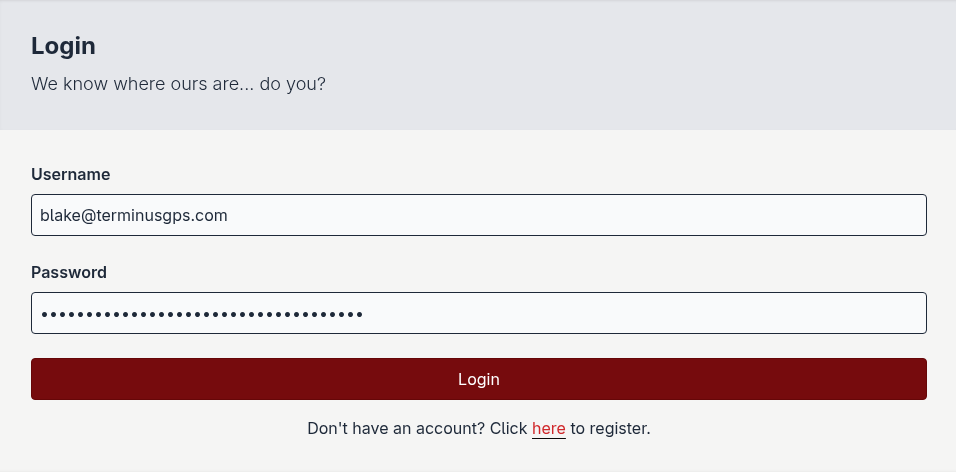
You’ll be redirected to the login page. Login using the credentials you used in step 3.