Connecting your Wialon account
To connect your Wialon account to your Terminus GPS Notifications account, you must have already created a Terminus GPS Notifications account.
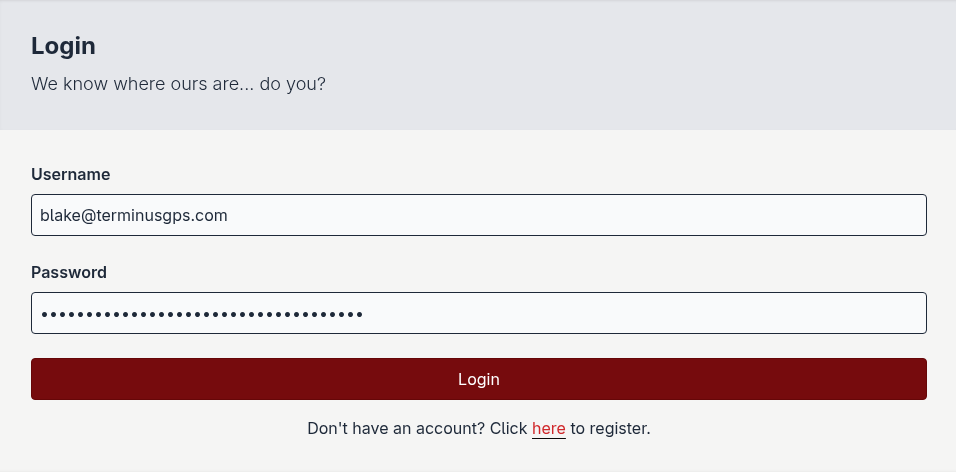
Login to the platform.
Navigate to the account page.
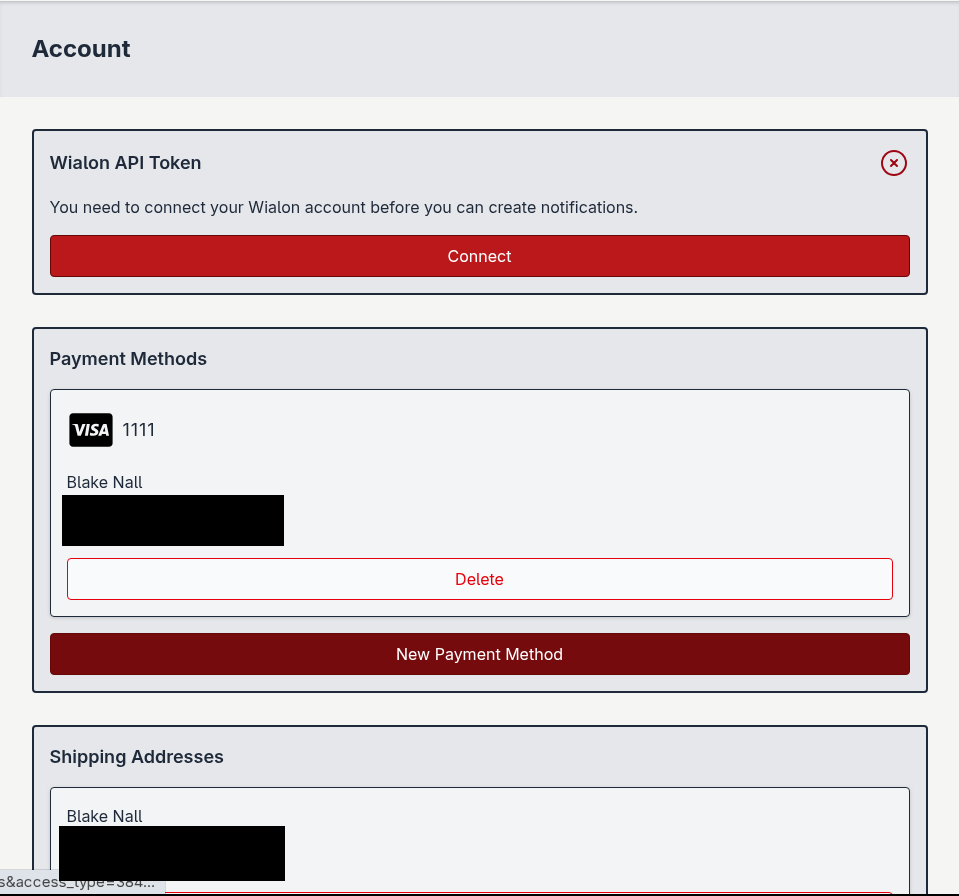
Click the Connect button.

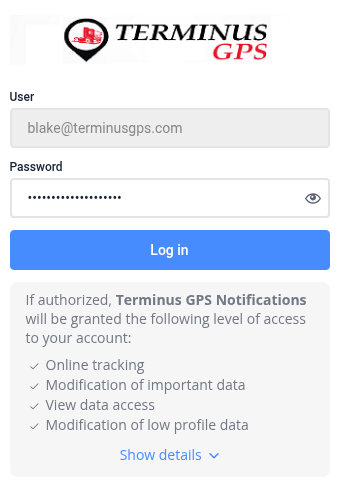
Enter your Wialon credentials into the form.
Refresh the page once you have been redirected back to the account page.
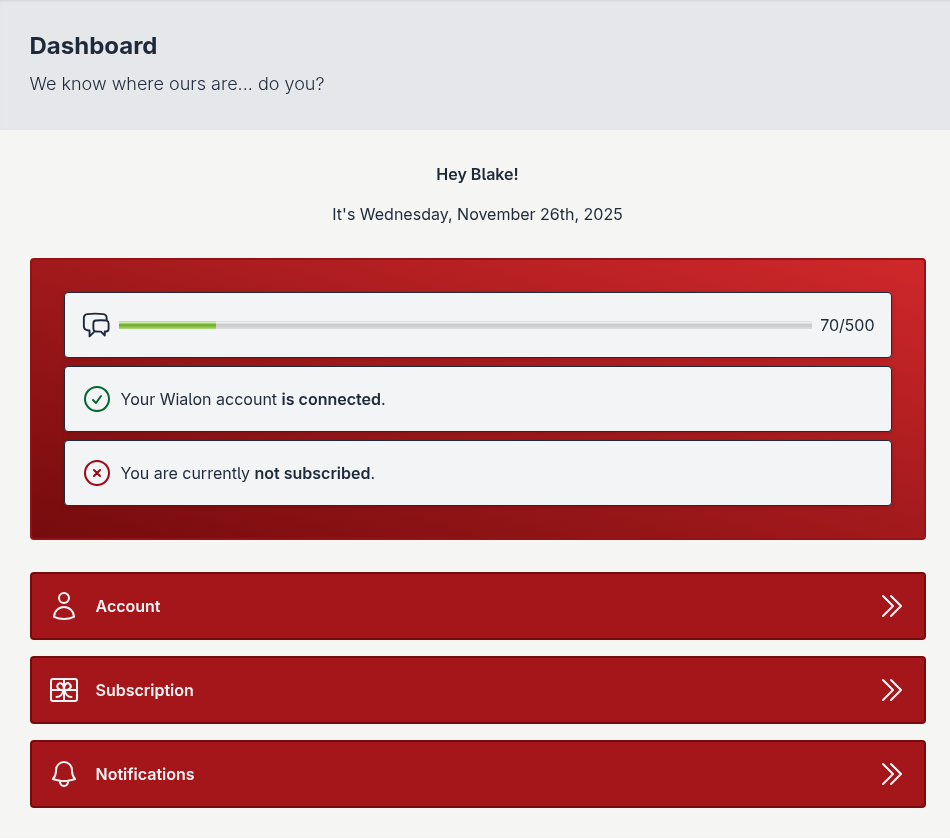
If properly connected, your dashboard will be updated to reflect your connected Wialon account.